Market leaders in Visual UI Test Automation, trusted by companies for over 20 years.
No-code required
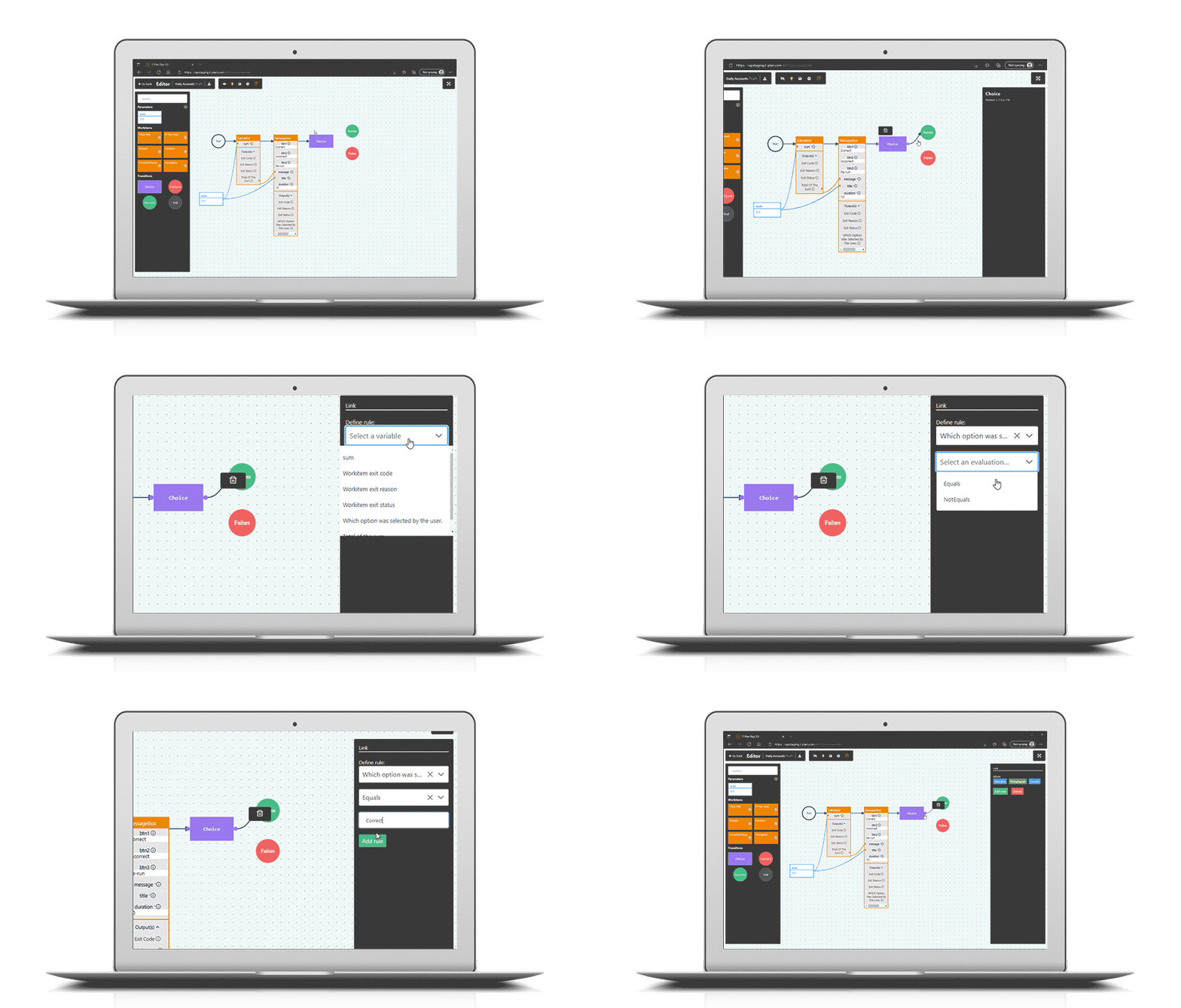
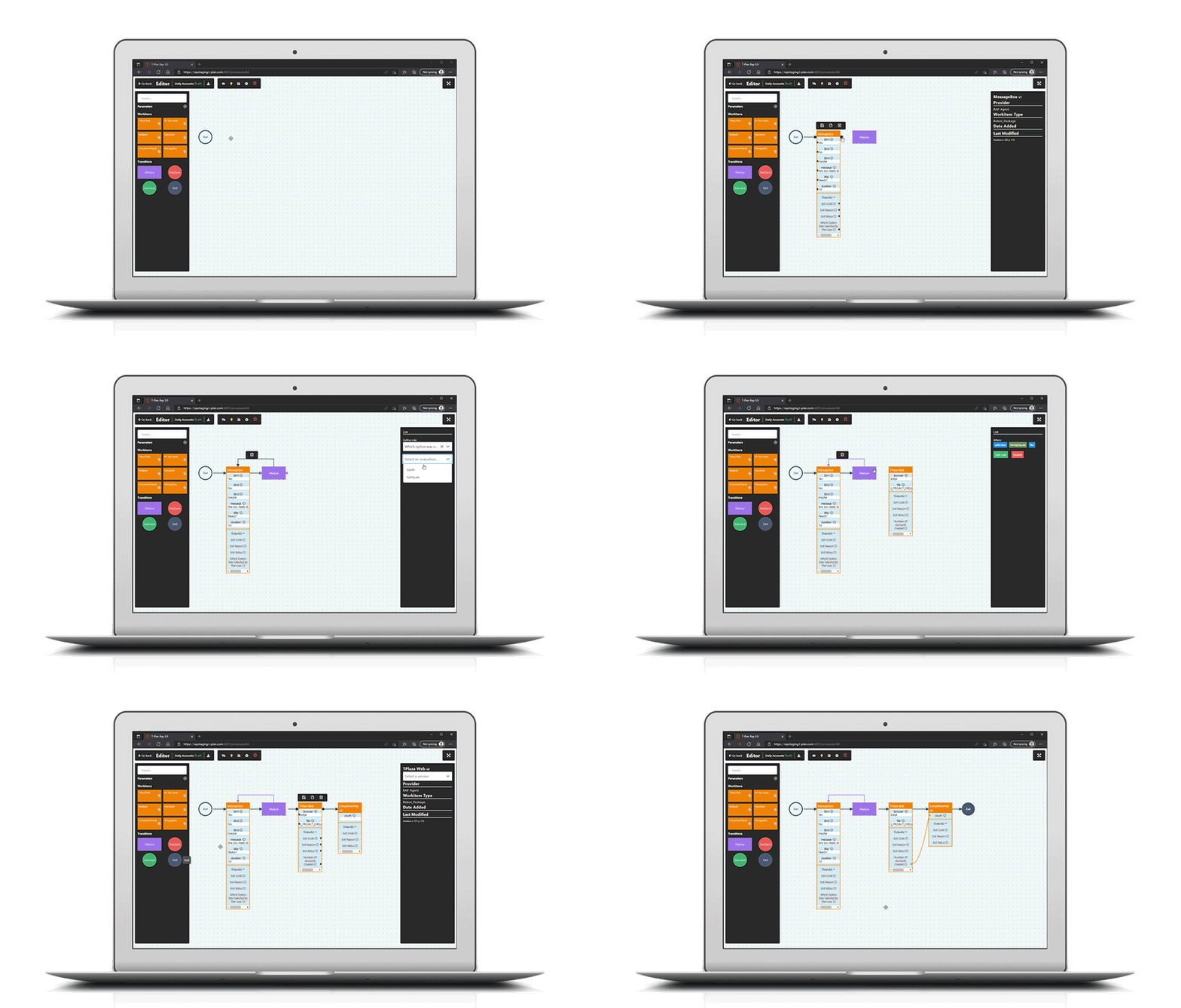
The intuitive flow and drag-and-drop UI are designed for both technical and non-technical staff, facilitating adoption and skill development across your organisation.
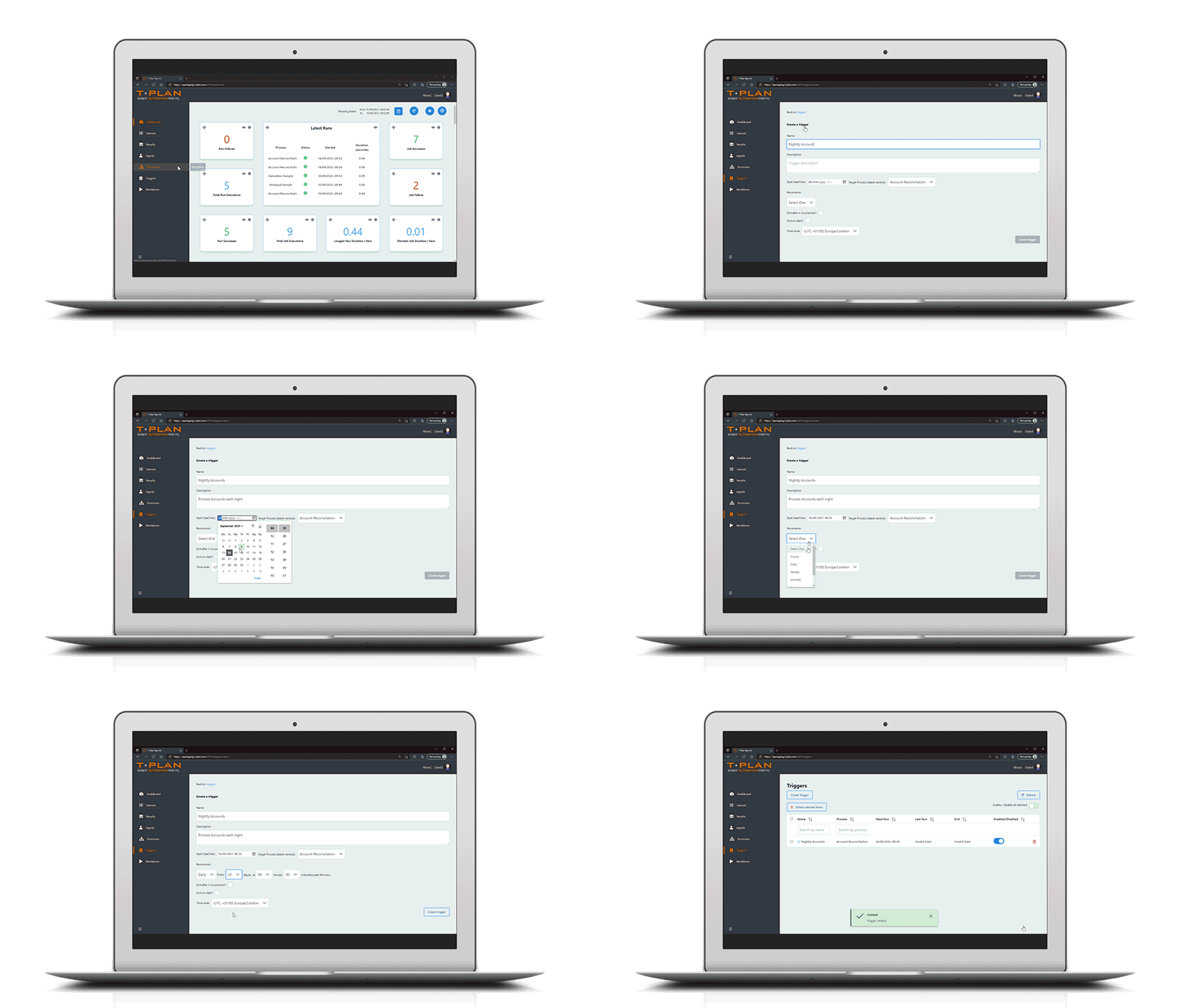
Create Once, Repeat Executions
Work seamlessly with the development team to establish repeatable actions to test code areas as part of any continuous or agile development.
Record and playback
Ensuring a consistent UI across multiple platforms, and enabling in-situ testing, allowing test teams to mirror the end-user experience.
External data Integration
Automated events are powered by data feeds from spreadsheets, databases, PDFs, and text files. Live data can be seamlessly integrated at any stage via APIs and web requests.
Automates every aspect at screen level
Operating at the screen level, business analysts can intuitively guide testers in navigating testable pathways throughout the application.
Image-based for true
“end-user” simulation
The tool navigates through the software just like an end-user would, visually verifying test results by observing the same image output.
Helping companies in every sector save time, costs and valuable resources
UI testing across any platform, by anyone
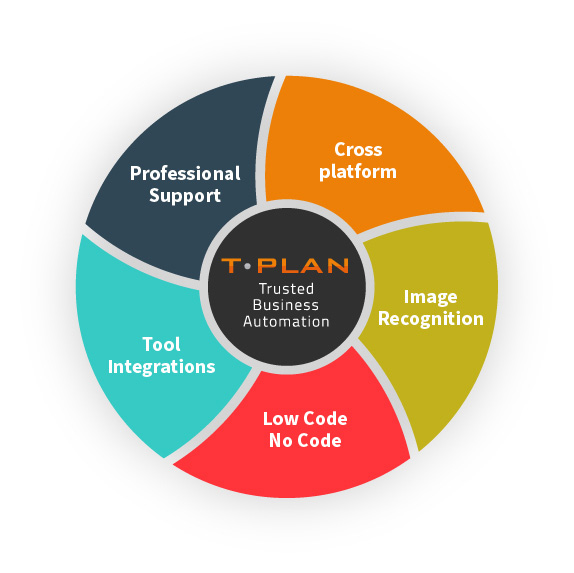
T-Plan allows anyone within your organisation to design and execute end-to-end tasks across any device, browser, OS and technology. With record and playback functionality, you can repeat, edit and enhance at every step.
6 hour process now takes 10 minutes. Our virtual robots have saved time, effort, money & resource.”
Reduced man hours by approximately 1 hour per day per tester. At that level, saving us 32.5 hours per week – a considerable cost saving.”
Lorem ipsum dolor sit amet, consectetuer adipiscing elit
Lorem ipsum dolor
Lorem ipsum dolor sit amet, consectetuer adipiscing elit, sed diam nonummy nibh euismod tincidunt ut laoreet dolore magna.
Lorem ipsum dolor
Lorem ipsum dolor sit amet, consectetuer adipiscing elit, sed diam nonummy nibh euismod tincidunt ut laoreet dolore magna.
A vast number of integrations are available, including Selenium Object Automation support saving you time, effort and money building and maintaining the Selenium testing framework.
Platform Agnostic
Cross-browser, cross-device GUI web and mobile automation. Web and Desktop Automation on Mac, Windows and Linux using same application, code and files.
This website uses cookies so that we can provide you with the best user experience possible. Cookie information is stored in your browser and performs functions such as recognising you when you return to our website and helping our team to understand which sections of the website you find most interesting and useful.
Strictly Necessary Cookies
Strictly Necessary Cookie should be enabled at all times so that we can save your preferences for cookie settings.
If you disable this cookie, we will not be able to save your preferences. This means that every time you visit this website you will need to enable or disable cookies again.